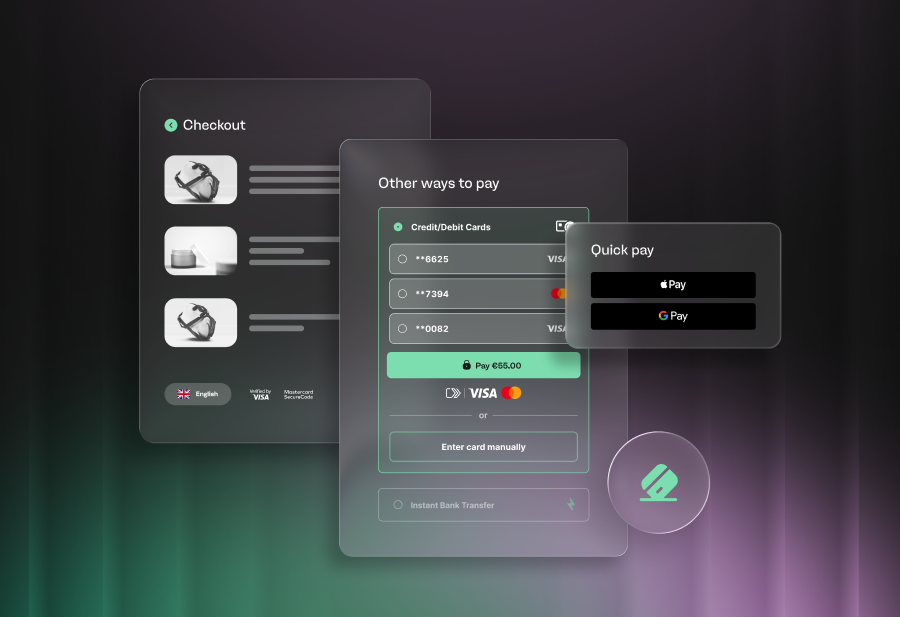
Every extra field in your checkout costs your business revenue. Baymard Institute found that average cart abandonment rates sit at 70.19% across ecommerce. Checkout friction, most commonly in long forms, forced account creation and manual card entry, sit near the top of reasons shoppers abandon their carts.
Three approaches aim to reduce this friction: saved cards stored merchant-side, digital wallets, and Click to Pay (one-click checkouts). Each reduces friction in a different way for merchants, and they offer varying trade-offs on conversion, security, and operational overhead.
Saved cards: familiar, but limited
Saved cards are the most established form of one-click checkout. A returning customer's card details are stored on your platform. The customer then selects a saved card at checkout without re-entering the number. It's fast and familiar.
Saved cards only work for returning customers with accounts on your site. First-time buyers and guest checkout users — which often form the highest-volume traffic — still have to complete the full form.
There are also PCI DSS compliance obligations, since you're storing and handling card credentials directly. That means ongoing security investment, audit requirements and liability exposure if data is compromised.
Saved cards do well at reducing friction for loyal, repeat buyers but do little for the majority of checkout sessions where a customer is new or checking out as a guest.
Digital wallets: broad reach, with dependencies
Digital wallets like Apple Pay and Google Pay solve the guest checkout problem for merchants. Customers authenticate using biometrics like fingerprint or face recognition on their device. Their stored payment credentials are transmitted without manual entry, meaning no forms or potential account creation on your site.
For merchants, digital wallets deliver strong fraud protection through device-level tokenisation and biometric verification. And they're well adopted on mobile, where it’s often the fastest way to pay for consumers.
The limitation is ecosystem dependency. Apple Pay works on Apple devices and Safari. Google Pay and Samsung Pay work across Android and Chrome. Each wallet has its own integration requirements, with the checkout experience depending on the customer's device and browser.
While both offer broad coverage, merchants can still leave gaps. Customers on unsupported devices or browsers typically fall back to manual card entry or alternative payment option.
Click to Pay: network-level, device-agnostic checkout
Click to Pay is built on the EMV Secure Remote Commerce (SRC) standard developed by EMVCo. This means it operates at the card network level (Visa and Mastercard) rather than being tied to a specific device or operating system, giving merchants one consistent way to accept payment everywhere.
A customer enrols once through their card issuer or at any participating merchant. From that point, Click to Pay recognises the customer by email or mobile number across every participating merchant. Their card details are stored and tokenised, and appear automatically when paying. Authentication is done via biometrics, passkey, or one-time passcode to complete the payment.
Click to Pay works across mobile, desktop, and tablet, regardless of the operating system or browser. It's built specifically for guest checkout, where the customer doesn't need to create an account, download an app, or remember a password — they use cards they already have registered.
Where the numbers differ
The metrics merchants track most closely, authorisation rates, cart abandonment, and fraud rates, show measurable differences across these three methods.
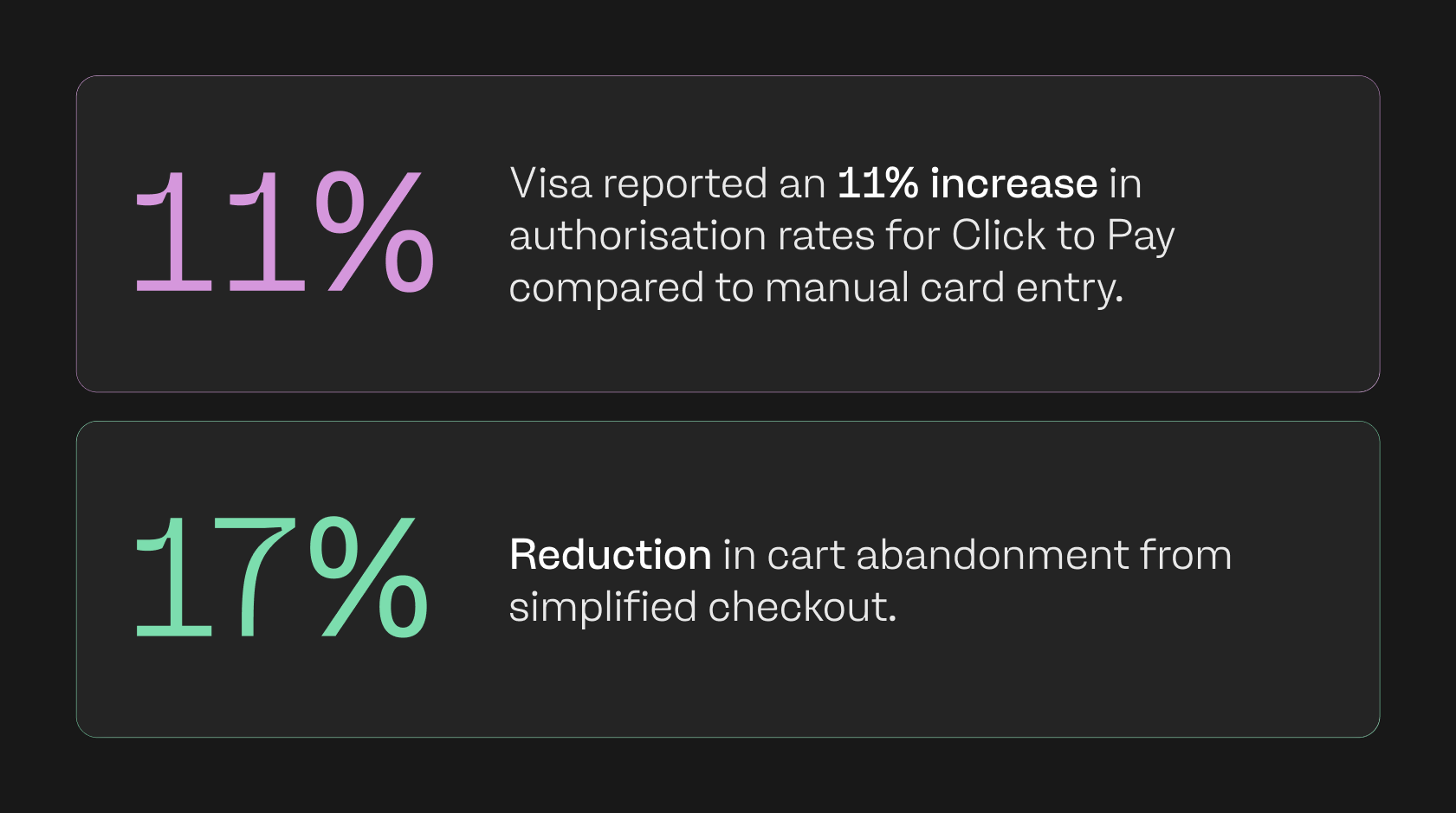
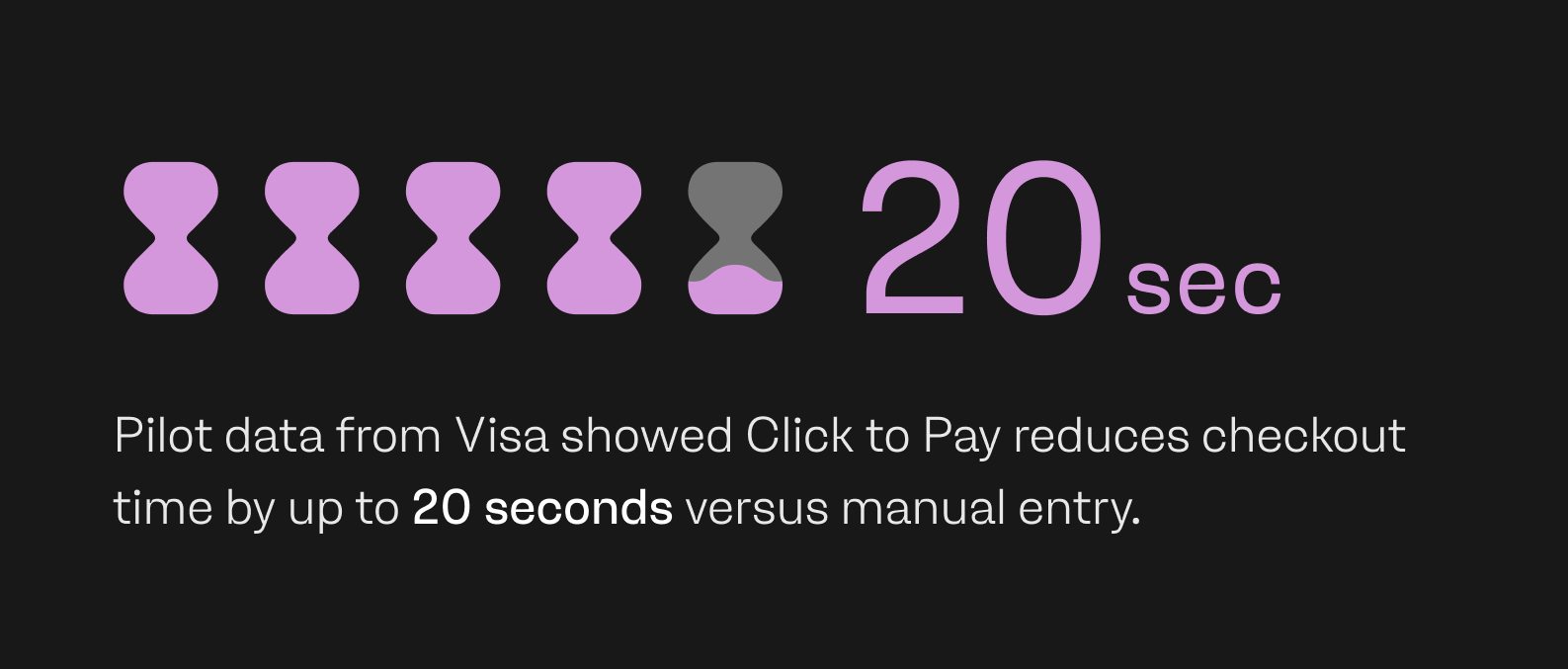
Visa reported an 11% increase in authorisation rates for Click to Pay compared to manual card entry, with a 17% reduction in cart abandonment from simplified checkout. Pilot data from Visa showed Click to Pay reduces checkout time by up to 20 seconds versus manual entry.
Analysis by Morning Consult for Visa found this time saving translates to revenue increases of up to 30% through fewer abandoned baskets. Visa's Global Risk Team reported up to 80% less fraud with Click to Pay compared to PAN-based online transactions. This is driven by network tokenisation, which replaces card numbers with domain-restricted ‘tokens’ that hold no value if intercepted.
VisaNet data recorded up to 5% higher authorisation rates for Click to Pay versus manual card entry. This is a direct bottom-line improvement for merchants processing high volumes.
On the consumer side, research by Ipsos and Visa (2023) found that 89% of consumers rated Click to Pay as good as or better than other digital payment methods, and 72% agreed it was easy to use. payabl.'s State of European Checkouts report found that 43% of consumers say a frustrating checkout deters them from returning to a retailer.
Digital wallets deliver strong conversion, but published benchmarks tend to be device-specific and vary by market. Saved cards perform well for returning customers, but offer no conversion data for guest checkout as they don't serve that particular use case.
Security from the merchant side
All three methods improve on manual card entry for security but each carries different levels of merchant responsibility. With saved cards, you store card credentials. That means PCI DSS scope, regular audits, and exposure if your systems are breached.
With digital wallets, tokenisation happens at the device level. Your exposure is lower, but you're dependent on the wallet provider's inherent security.
With Click to Pay, tokenisation is handled at the network level, with card numbers replaced before they ever reach merchant systems. Each token is restricted to a specific merchant, meaning a compromised token has no value elsewhere.
This means you never handle or store the actual card number, which reduces your PCI DSS compliance burden directly. Click to Pay adds EMV 3-D Secure integration and multi-factor authentication at the card network layer. This moves fraud liability from the merchant to the network and issuer.
How they compare at a glance
| Saved cards | Digital wallets | Click to Pay | |
| Guest checkout | No | Yes (device-dependent) | Yes (device-agnostic) |
| Cross-device | Limited to your site | Device/OS-specific | Mobile, desktop, tablet and any browser |
| Tokenisation | Merchant-side storage | Device-level | Network-level |
| PCI DSS impact | Higher compliance scope | Reduced | Reduced |
| Authentication | Password/login | Biometrics (device) | Biometrics, passkeys, OTP |
| Enrolment | Per merchant | Per device ecosystem | Once. Works across all participating merchants. |
| Cross-border | Limited | Varies by wallet/market | Supported across 34 European markets |
Choosing what fits your checkout
Saved cards, digital wallets, and Click to Pay aren't mutually exclusive options for merchants. Checkouts that convert often combine them, offering each in some way. Data shows that digital wallets serve mobile-first audiences well, while saved cards reward loyal, returning buyers. Click to Pay fills the gap that both leave open, offering fast, secure, tokenised checkouts for any customer and device without creating an account.
For merchants processing across multiple European markets, Click to Pay's single-enrolment model and network-level security offer particular advantages.
payabl. offers Click to Pay through payabl. checkout, with activation through the hosted payment page. It sits alongside digital wallets, payment links, and other methods in one integrated checkout, giving your customers the choice that works for them.