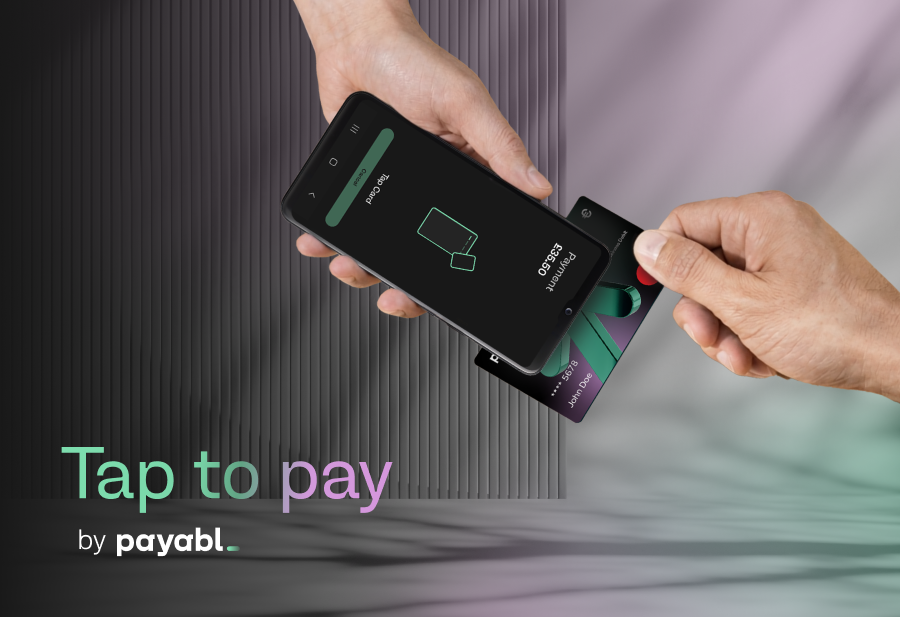
The question arises often for merchants. You're running a business, and you’re told you can start accepting card payments using a mobile device with just an app, no card machine or additional hardware required. You just need an app. The natural reaction for a lot of merchants is intrigue, followed by reservation.
Many are left wondering how their mobile device can be secure enough to handle real customer payment data.
These reservations are well placed. However, the answer is more reassuring than most merchants think. Merchants that understand what the technology actually does and what good practice looks like are better placed to succeed.
Your customer's card details are never stored on the device
One of the most common concerns merchants raise is about what happens to card data after a transaction. The short answer is this: the data doesn't stay on the device, which is often a merchant's personal device.
To alleviate data handling concerns, Tap to pay by payabl. uses tokenisation, which converts card details into a unique transaction token during the payment process.
The customer’s card number is never stored on the device, never written to local storage, and never accessible after the transaction is complete. So even If a device were lost or stolen, there would be no personal card data from customers to retrieve.
When handling E-receipts, only transaction references, not card data, are issued to customer and merchant after each transaction. The merchant's record of the payment is held within payabl.one, a unified merchant dashboard, where it can be reviewed and reconciled alongside the rest of their payment activity.
The security is from the hardware, not just the app
When a customer taps their card on your phone, the card data doesn't pass through the operating system in the same way something from another app does. It goes directly to a dedicated, isolated component inside the device typically called a Trusted Execution Environment (TEE) or Secure Element, which operates separately from the main operating system.
This acts as a blackbox inside the chip, and means the rest of the phone can't access what happens inside it. So even if your device had malware installed or is breached, it wouldn't be able to reach the card data being processed during a transaction.
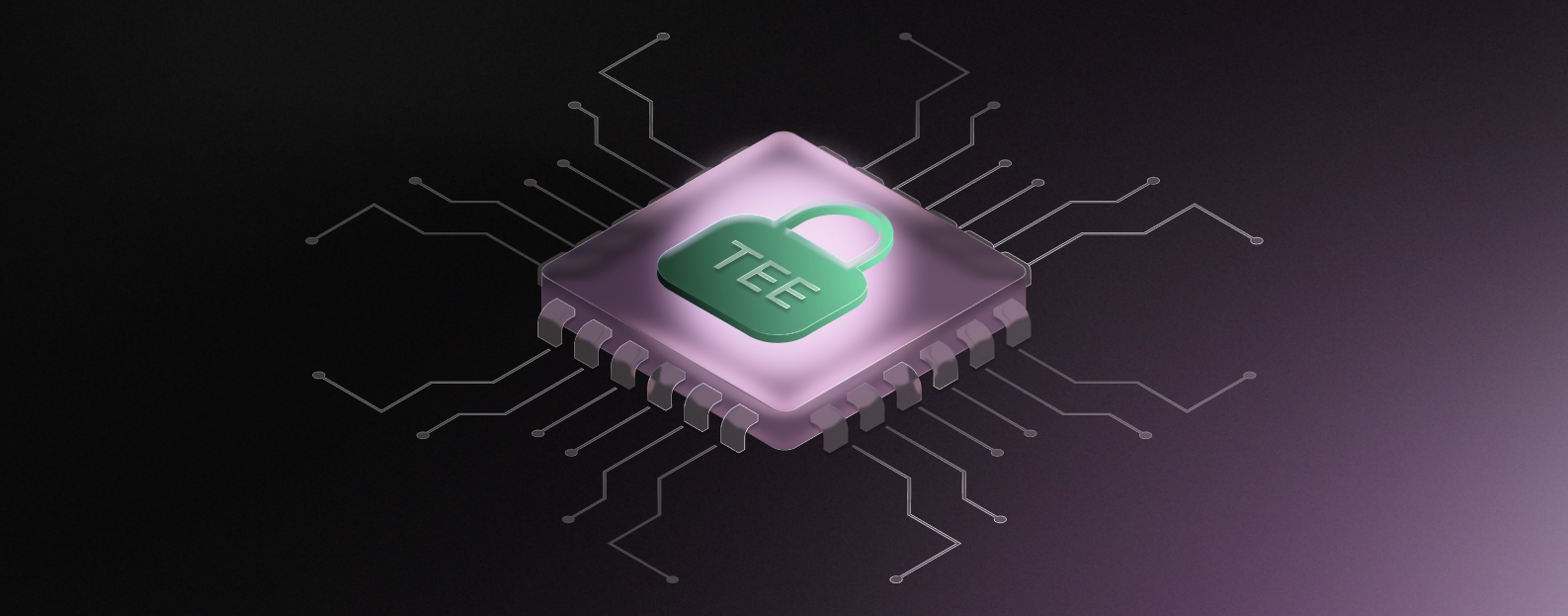
This separation enforced at the hardware level helps provide merchants with clarity they’re doing the right thing.
Tap to pay by payabl. is built on this architecture. The underlying technology is EMV Level 3 certified for both Visa and Mastercard.
What EMV certification means in practice
EMV Level 3 certification matters for one practical reason: this is the same certification framework that governs physical card terminals, and is how card schemes like Visa and Mastercard verify that a payment solution is fit to process their transactions securely.
For Tap to pay by payabl., completing that certification means the solution has been independently tested against card schemes' security and interoperability requirements before going live.
How PIN entry works, and why it's secure
For transactions above the customer’s set contactless limit or when additional verification is required, the app will prompt the customer to enter their PIN directly on the phone screen. This is known as PIN on Glass. When first encountering the technology, customers can hesitate, as entering their PAN on someone else's phone feels unfamiliar.
However, the reassurance is provided by the technology. During PIN entry, the keypad layout is randomised. When a customer enters their pin, the numbers aren’t in the same position each time — which means fingerprint patterns can't be used to reconstruct the code.
The app also blocks screen recording and screenshots during PIN entry, so there's no way for a third-party app running in the background to capture what the customer types.
payabl. manages the PIN Cardholder Verification Method (CVM) component in line with PCI standards for SoftPOS solutions. This outlines specific requirements for how PIN entry must be handled on consumer devices.
What happens if a device is lost
Physical terminals have always had a practical advantage when it comes to location. For merchants, losing a card machine due to fault or an issue is inconvenient, but the device itself is relatively locked down, and is typically not a high-value target. However, a phone is a different matter, and often being a personal device, it can mean a lot more than payment functionality to its owner.
Tap to pay by payabl. addresses this issue via remote access management. If a device is lost, stolen, or a member of staff leaves the business, payabl. can deactivate access to the app without any action required on the device itself. Access can also be reinstated just as quickly if needed. This means merchants aren't reliant on physical recovery of the device to close a potential security gap.
What merchants are responsible for
The technology handles a significant portion of the security work automatically, but some responsibilities still sit with the merchant.
Keep the device's operating system up to date
Android security patches address vulnerabilities on an ongoing basis, and running an outdated OS is one of the more avoidable risks. Tap to pay by payabl. operates on devices running Android 11 or higher, so keeping device software up-to-date is the most basic security practice for merchants.
Only download Tap to pay by payabl. from the official Google Play Store
The Tap to pay by payabl. app has a clear, verified listing on the Google Play store. Downloading payment apps from unofficial sources or third-party sites introduces risks that can’t be mitigated by in-app security.
Use a screen lock
It sounds obvious, but a device with Tap to pay functionalities that's left unlocked and unattended on a counter poses meaningful risk for merchants. Face unlock, biometrics, or a strong PIN on the device adds a layer of protection that takes seconds to set up.
Separate your devices
For businesses where multiple staff use the same device for payments, it's worth considering a dedicated device that’s used only for payment acceptance. This keeps payment activity separate from general staff usage, and reduces the potential for accidental security issues.
The practical takeaway
Taking payments on an Android phone with Tap to pay enabled is trusted and secure. The underlying architecture is built to handle real payment data safely, and is certified by global card schemes.
The security model is different from a traditional terminal, with merchants that understand these differences able to get the most from the solution. For merchants operating a device, the day-to-day obligations are manageable: keep the device updated, use it responsibly, and let the technology do what it's designed to do.
To find out more about Tap to pay by payabl. or to get started, speak to your payabl. account manager or visit the Tap to pay product page.